SecureLicense™
iPhone, iOS 17.0+
Your license on your iPhone. Just in case you leave your wallet at home.
Scan the front and back of your driver's license once, and SecureLicense keeps a clean, cropped copy on your iPhone behind Face ID. Your name, date of birth, license number and address are read right on the device, ready to copy into a form.
- No network code
- Read on-device
- Face ID lock
- Blocked from screenshots
Coming soon — not yet live on the App Store.
Want early access? Email [email protected] to join the beta.
What's inside
-
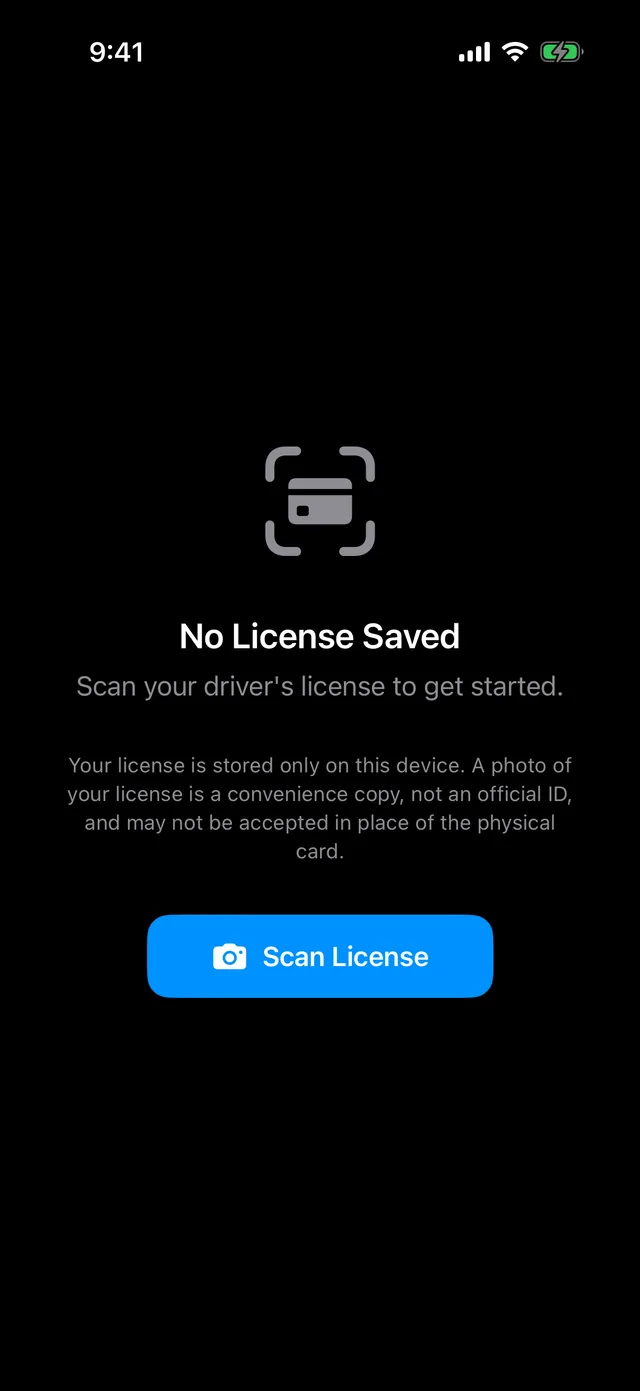
Scan once, cropped clean
Line the card up in the on-screen frame — SecureLicense finds the card's edges live and crops each photo to just the card.
-
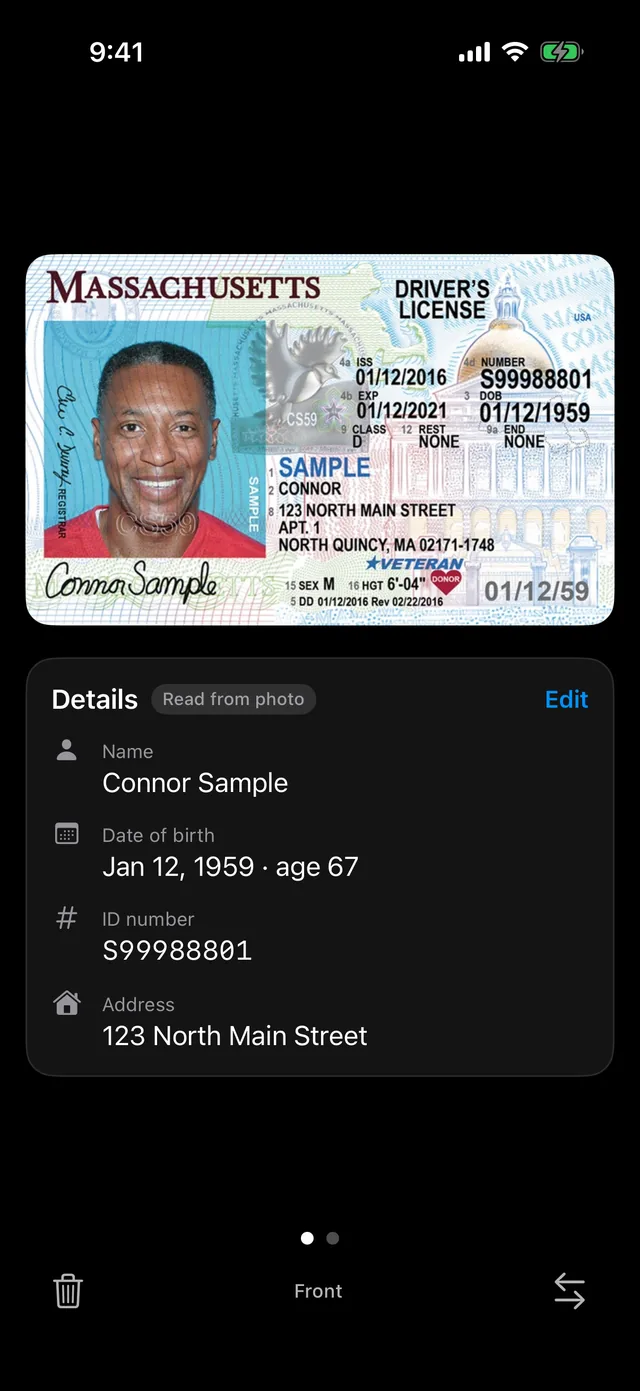
Your details, read on-device
Name, date of birth, license number and address are decoded from the barcode on the back of US licenses (maybe Canadian too?), with the printed front text as a fallback.
-
Fix anything with Edit
The details sit in a panel below the card, ready to copy into a form, and every field can be corrected.
-
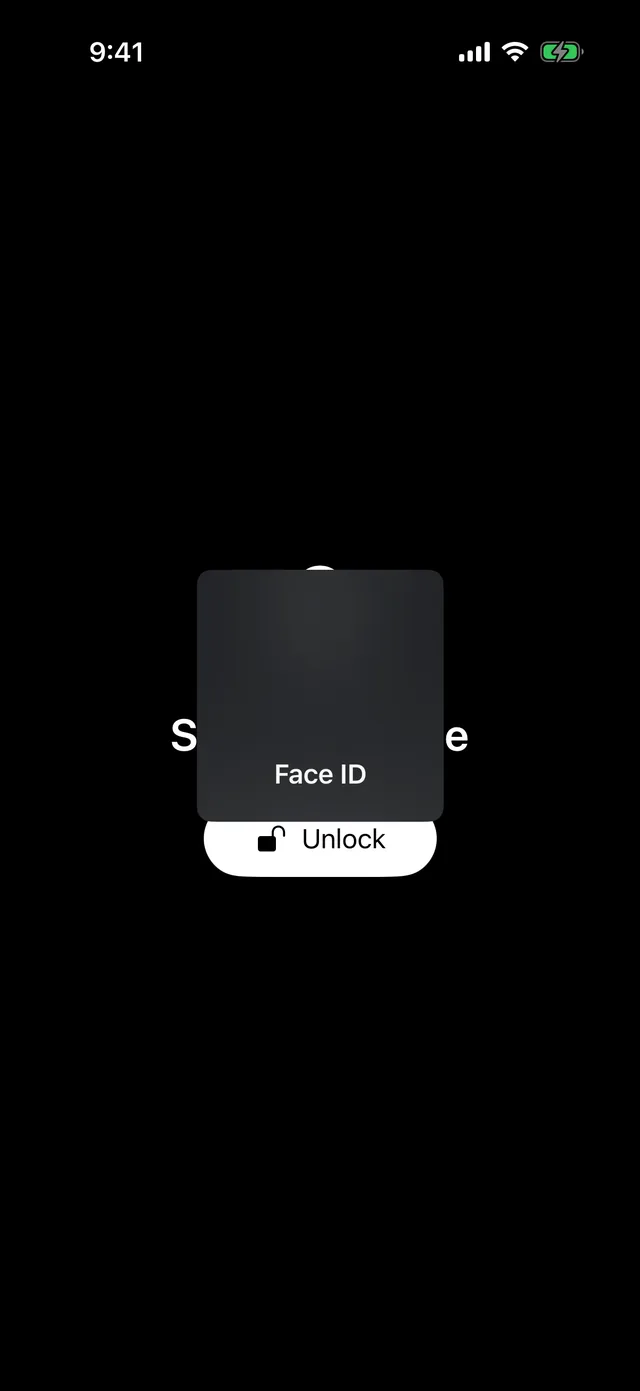
Locked behind Face ID
Unlocks with Face ID, Touch ID or your passcode, and locks again the moment the app goes to the background.
-
Blocked from screenshots and mirroring
The card and its details show up blank in screenshots, screen recordings and AirPlay mirroring, and they're hidden in the app switcher.
-
Flip and fill the screen
Tap the card to turn it over, or turn your iPhone sideways and the card fills the screen.
-
Delete in one tap
The trash button removes both photos and the details from the device immediately.
A closer look
Paid apps, just like the old days
SecureLicense costs a nominal price, and that's the entire business model. A free app holding a photo of your driver's license would have to be making money from something — and the only thing it has is you. This one is paid for by you instead. No ads, no subscriptions, no account, no tracking. SecureLicense has no network code at all: your license photos and details live only in the app's own storage on your iPhone, encrypted by iOS while your phone is locked, and never go into your photo library. It works the same in Airplane Mode. It's a convenience copy for your own reference, not an official mobile driver's license.