TrailTally™
iOS 17.0+
Every trail, measured on your iPhone.
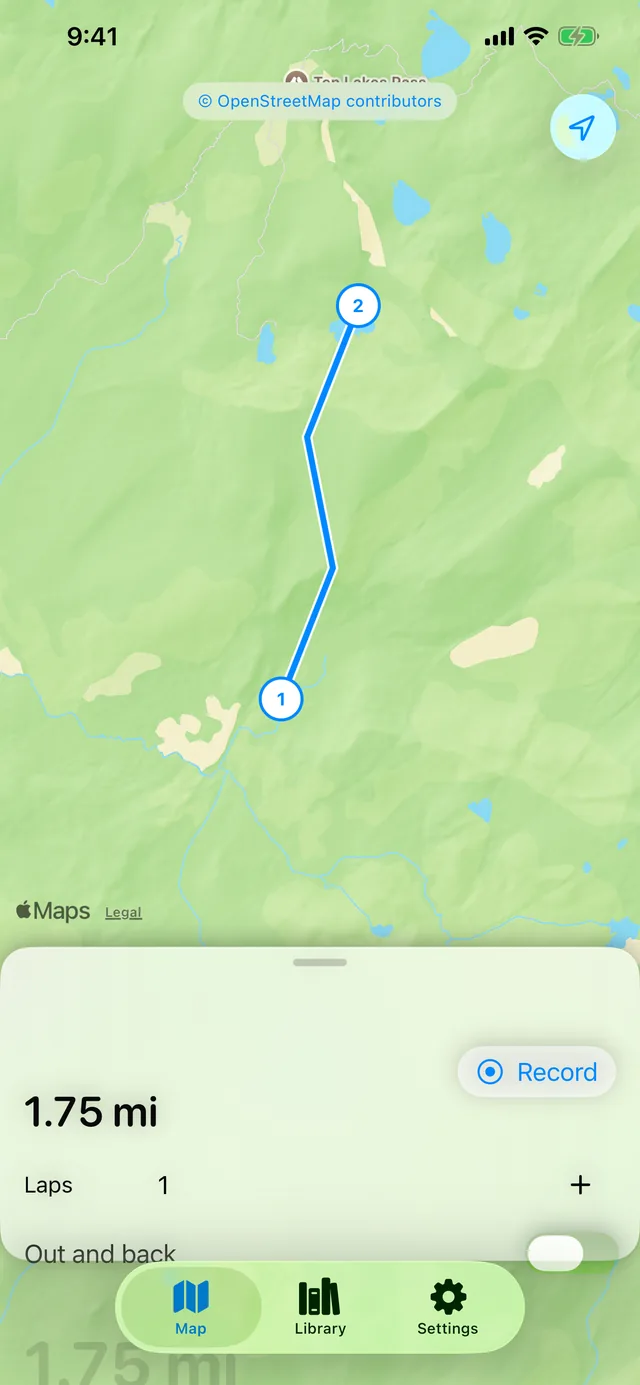
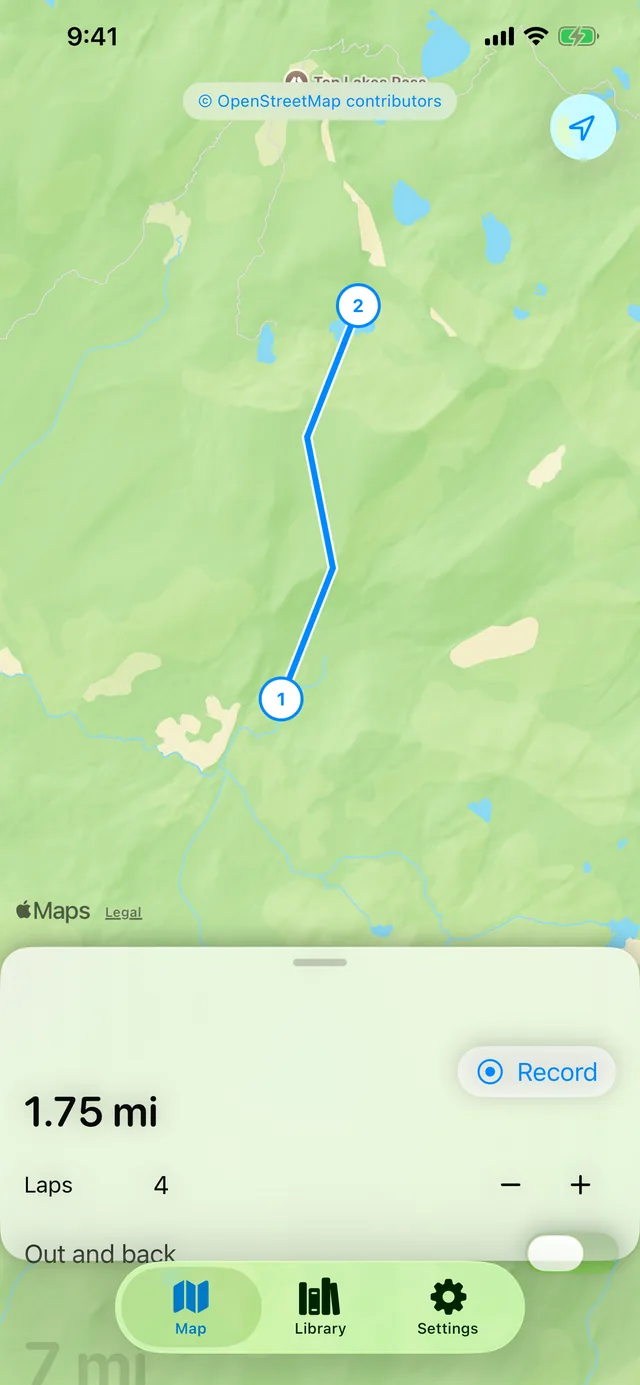
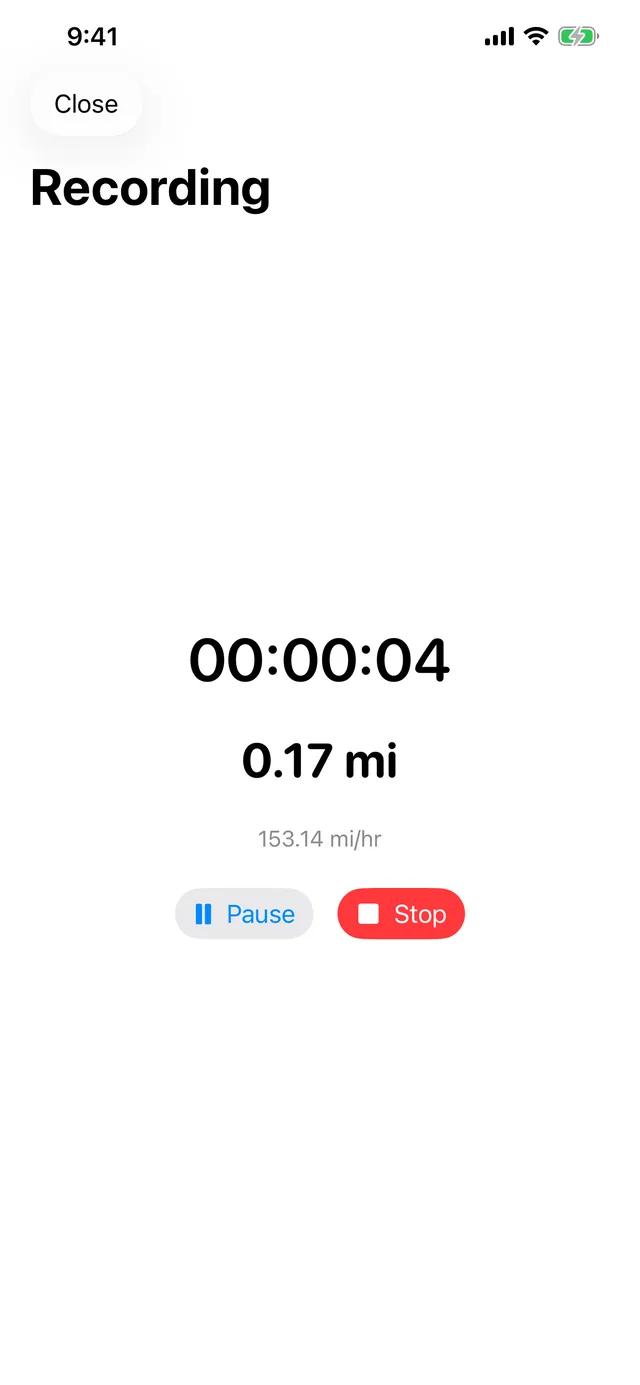
Drop pins on a map and TrailTally measures the distance — following real trails and roads when you want, or a straight line when you don't — then multiplies by however many laps you did. Prefer to just go? Hit Record and it tracks your route as you move, the same way, right down to asking when a trail forks and it's not sure which way you took.
- No ads
- No sign-in
- No subscription
- No third-party SDKs
- Routes stay on your phone
Coming soon — not yet live on the App Store.
Want early access? Email [email protected] to join the beta.
What's inside
-
Follows real trails
Routes along roads and paths instead of a straight line, using OpenStreetMap trail data.
-
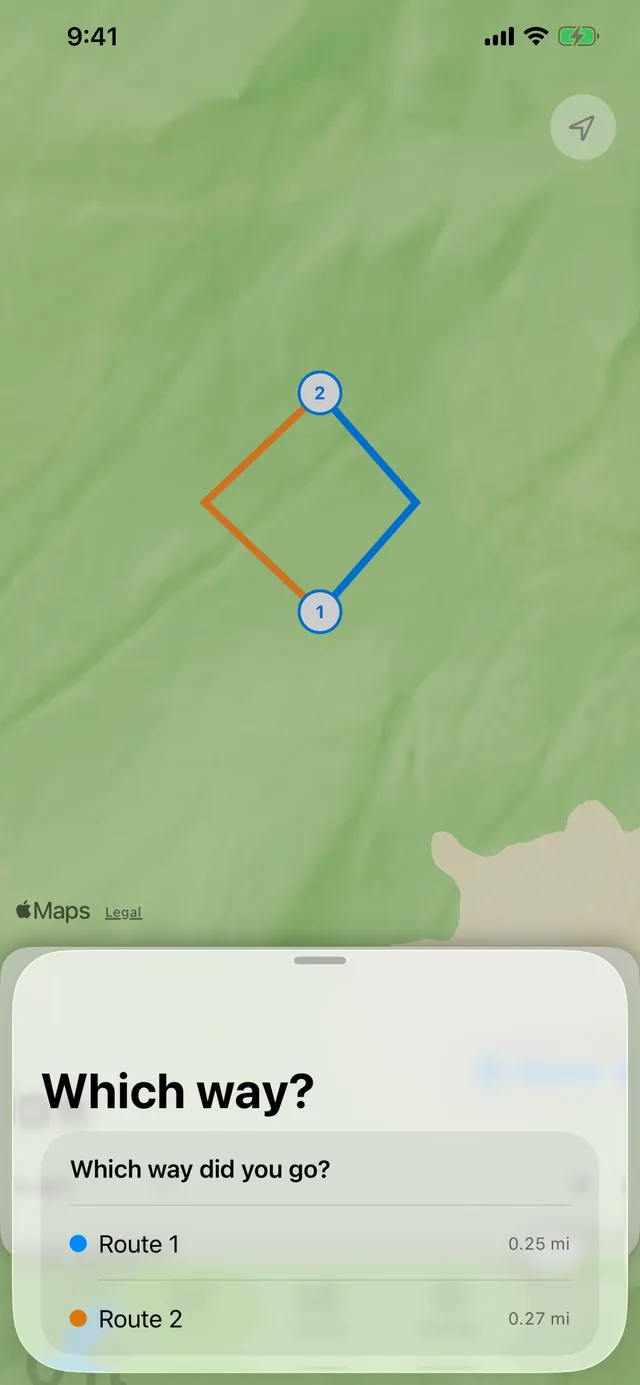
Asks when it's not sure
When paths fork or run close together, TrailTally shows both options in different colors on the map and asks which one you took.
-
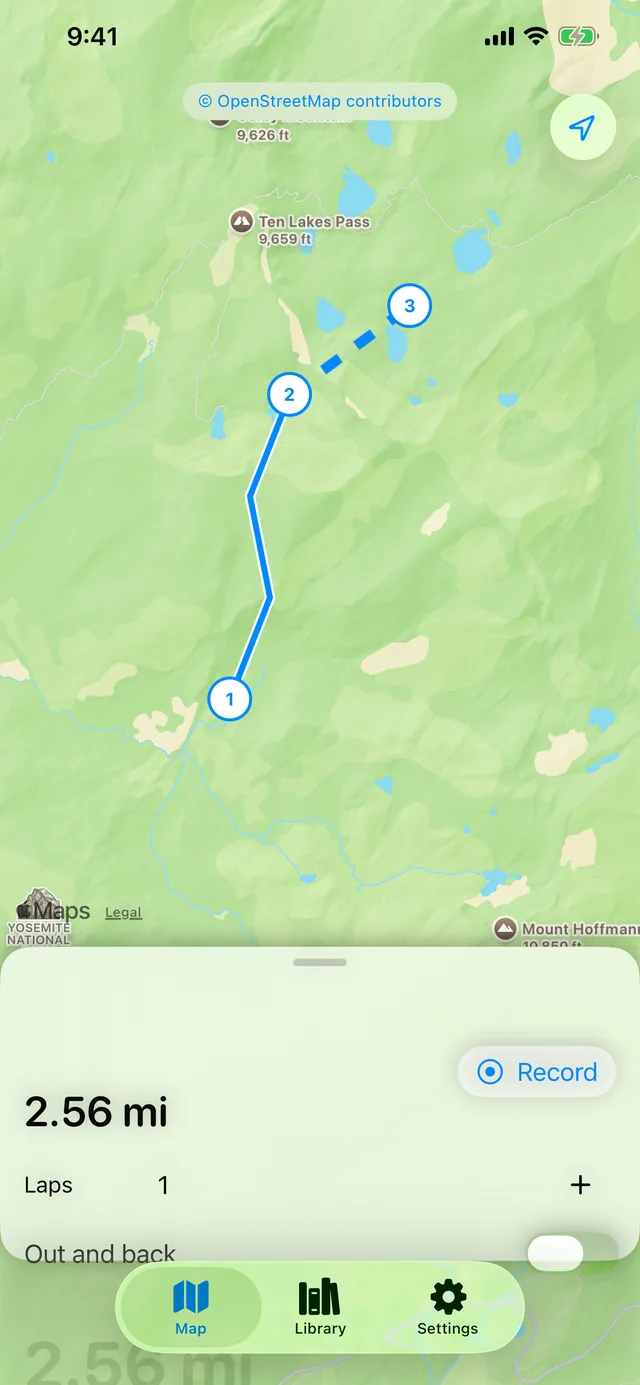
Straight-line legs
Switch any leg to a dashed straight line for open fields, beaches, or water crossings.
-
Laps and out-and-back
Measure one loop and multiply by however many times you did it, down to half laps for out-and-back days.
-
Record your route
Track a GPS route in the background, screen off, with live distance, time, and pace.
-
Picks up where it left off
If the app closes mid-recording, resume with your track intact instead of starting over.
-
A library of your routes
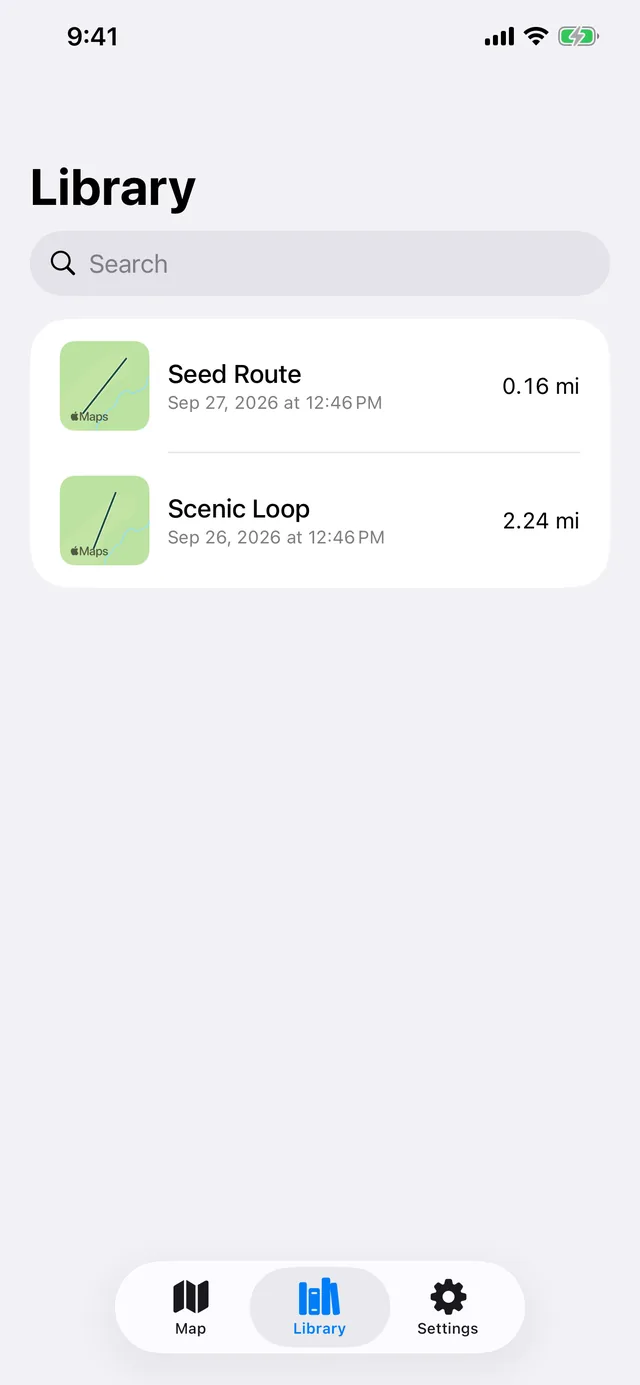
Every saved route gets a small map preview and a name, searchable later.
-
Export as GPX
Share any route as a standard GPX file to use anywhere that reads one.
A closer look
Paid apps, just like the old days
TrailTally costs a nominal price on the App Store, and that's the whole deal — no ads, no subscription, no in-app purchases, no accounts, no analytics or tracking SDKs of any kind. Where it's a little different from the other apps here: measuring a route needs map imagery from Apple, and following real trails needs road data from OpenStreetMap — both need a moment of network access, honestly disclosed rather than glossed over. Everything else — snapping to the trail, doing the math, deciding when to ask which fork you took, recording your GPS track, and storing what you save — runs entirely on your iPhone, and stays there unless you explicitly export it yourself.